BMW ISTA+ 4.39.31,2023 year 1.ISTA version 4.39.31, Programming data version 4.39.30. If you need to connect to BMW, you need to use ICOM NEXT A. 2.BMW ISTA Brand. 2.BMW ISTA version. 3.ISTA Programming data. 4.ISTA 4.39 update details 5.BMW ISTA expert mode. 6.ISTA connect to car. 7.ISTA query the removal and installation steps of BMW. […]
Category Archives: For BMW
BMW / MINI / Rolls-Royce ETK electronic parts catalog software is a system manual for professionals that helps them easily find certain parts, and programs to identify existing and potential problems, perform maintenance, and BMW equipment defects. The BMW ETK has the following main functions: Details of spare parts such as parts type, reference number […]
How to Get BMW ECU Validation Service via ISTA BMW After Replacing Certain Control Modules SITUATION With the introduction of the new Headunit HU-H3 (MGU Media Graphics Unit), we have a new way protection mechanism against tampering. If one or more of the following components MGU, TCB Telematic Communication Box (ATM-02), RSE Rear Seat Entertainment, […]
Guidance on how to upgrade firmware Icom Next A interface original BMW Part No.81312360883 Many people have been having trouble updating ICOM’s firmware via ISTA+ since the last two updates with ICOM FW. When they try to update, it shows that ISTA is beginning the update process, but it disappears after a few seconds and […]
Coding programming bmw vo car configuration codesHow to program with BMW E-sys Connect to BMW car; Read FA,read ecu and Calculate ecu version.(Calculate will take 10 minutes) Select SVT (calculated) Select the ecu to be programmed, check the program file, and click Start to program;(will take 10 minutes or more) Program finished; After programming ecu, […]
BMW E6x list of functions that can be activated 1. TIP: Programming Folding Mirrors in pre 2005/6 E60’s; 2. E64 convertible remote closing roof / hood; 3. new LM_AHL.ipo file required; 4. Allow AE’s to be full bright with headlights on (Worked on my E60 with LCI lights); 5. E60 Coded Car/Key memory with ncsexpert. […]
BMW Esys launcher pro guide on how to code with Esys BMW Use BMW ICOM NEXT, ENET cable to connect to e-sys launcher pro or e-sys; 2. Read SVT or Read ECU, Select the ECU that needs code 3. Code 4. Code finished.
Which iDrive do I have?So, there are 3 ways to determine which iDrive system you have: 1. By the year of production Of course, this doesn’t guarantee that you will be able to determine your iDrive version with 100% accuracy, because in some countries the production month can be different. But at least you’ll have […]
BMW vo car configuration code The first and last letters are ignored, for example, “S001A” is “001” S000A-DUMMY-SALAPA S001A-COUNTRY VERS. NOT CONTROLLED AS PACKAGE S0BVA-FUEL REFUELLING S0BWA-PARTIAL REFUELLING S100A-PAYLOAD INCREASE S102A-CHASSIS, OFFICIALS UTILITY VEHICLE S102A-REINFORCED BRAKES S103A-FOUR SEASONS TYRES S103A-AGGREGATE PROTECTIVE PLATE S104A-MIDDLE EAST VERSION S105A-JOB CONTROL “GERMAN FEDERAL STATE” S106A-SAFETY VEHICLE S107A-PREPARATION, TACHOGRAPH S108A-MOTOR […]
What is VPN Gateway E-sys? VPN gateway on E-sys function is used for remote coding,the client PC without BMW coding software,only with a remote software and a BMW ICOM or ENET.But your PC need installed BMW coding software.And you are able use your PC to do remote coding for the remote client. Requirements on the […]
What is BMW Esys How do I set up BMW ESYS? Commonly used functions of BMW E sys: ECU FLASH programming/code (one ECU or more ECUs), FA, FSC browsing and editing, ECU file editing, ECU function activation (need to use E sys launch pro or e sys plus), ECU status, Vehicle integration level, navigation certificate […]
BMW ISTA 4.35.20,BMW ISTA_standalone ISTA 4.35 New content for repair instructions(you need BMW ICOM NEXT connect to BMW CAR) 1.BMW ISTA 4.35.20 Version 2.ISTA 4.35 New content for repair instructions; 3.ISTA 4.35 car information search; 4.ISTA Repair/maintenance Removal and installation steps锛?/p> 5.BMW ISTA Circuit Diagram and Location锛?/p> 6.BMW service functions.
BMW ISTA 4.37.43 Diagnostic Software Registration License 1.BMW ISTA 4.37.43 Diagnostic Software latest version(ISTA connected car requires BMW ICOM NEXT/ENET,ISTA need license); 2. BMW ISTA version 3. BMW ISTA new content; 4. ISTA removal/installation/replacement steps; 5. ISTA circuit diagram; 6. ISTA pin meaning; […]
To connect BMW E-sys, you need to use BMW ICOM NEXT or ENET cable/ENET WIFI BMW E sys English abbreviation meaning, BMW Motors, BMW Mini, BMW Rolls Royce: ASAM Association for Standardisation of Automation and Measuring Systems AVAKON Automatic Configuration of Variants BAF Boot Sector Exchange Format BT Description Table CAF Coding Application File CBD […]
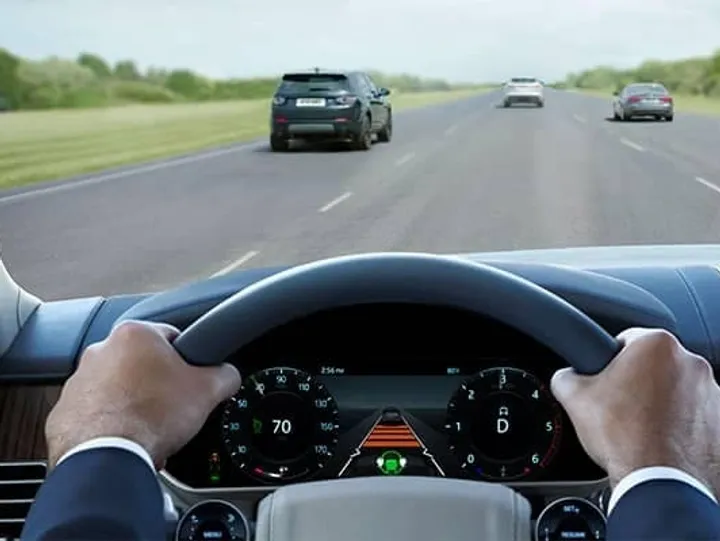
ECU: SAS [Driver Assistance Systems] ACC Default Distance: C_Abstandsstufe_init -> Set to 2 Blind Spot Detection: Note that G30 has a multiple Blind Spot Detection Modules, and you need to set Speed setting for each. For each radar module there is a separate KMH and MPH Setting so 6 in all. E.g. C_LCA_SWW_Vmin_KMH – set […]
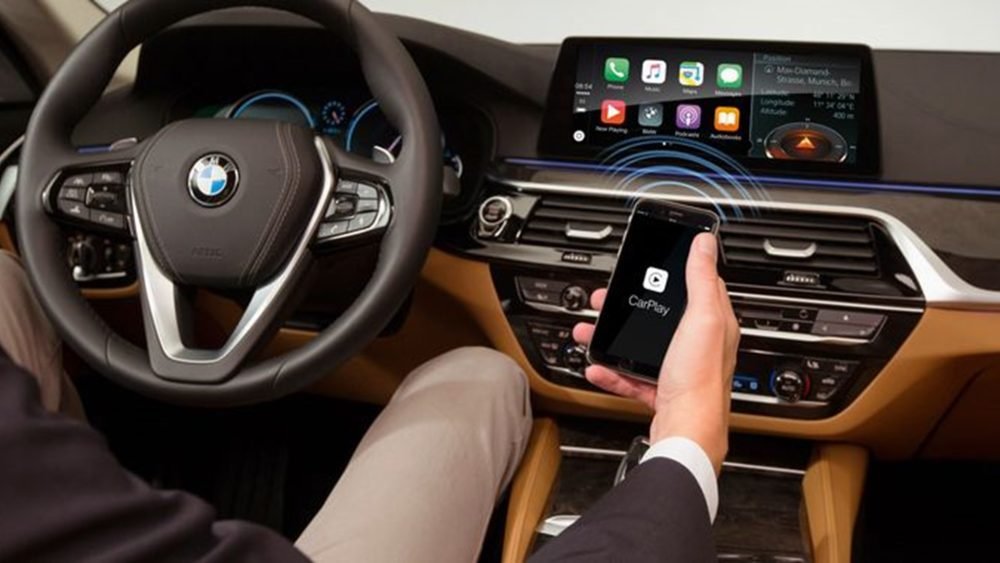
What cars have Apple wireless Carplay? Apple Wireless Carplay Only cars produced after 2017 with car navigation Audi: A4, A5, A6, A7, A8, E-Tron, Q3, Q5, Q7, Q8 BMW: 2 Series coupe and convertible, X1, X2 Mini: Clubman, Convertible, Countryman, Hardtop Mazda: Mazda6, MX-5 Miata Porsche: 911, Cayenne, Macan, Panamera Toyota: Supra 2. Which Cars […]
Step 1.Plug your K+D-CAN cable and install drivers. For FTDI based cables use latest drivers. 2.Open “Device Manager”, then USB Serial Port properties, go to “Port Settings” tab and click “Advanced…”. Change port number to “COM9” and latency timer to “1”. Confirm configuration via “OK” button. 3.Open C:\EDIABAS\BIN\EDIABAS.INI with Notepad and check for “Interface = […]
Beginner Guide on How to change the FA code with BMW Esys launcher pro? Connect BMW Esys launcher pro(Use ICOM NEXT A or ENET cable or ENET WIFI adapter); 2. Read FA; 3. Change e sys fa config code and save ; 4. code ECU; 5. ECU code completed, car FA code […]
How to activate driving to watch DVD video on BMW F10F18? step by Step Guide. Connect to e-sys can use ENET cable/ENET WIFI/ICOM NEXT to connect BMW car 2. Select HU_CIC/HU_NBT,read FDL and Edit FDL; 3. Search SPEEDLOCK_X_KMH_MIN; 4.Edit 08 5.changed FA 6. Search SPEEDLOCK_X_KMH_MAX; 7.0A change to FF; 8.Select HU_CIC/HU_NBT CAFD_XXX,Code FDL; 9.FDL code […]
BMW engineer Guide on How to change the FA code with BMW E-sys? Connect e sys software(connect to bmw car need bmw icom next or ENET cable/enet wifi) 2.Read FA file; 3.Check and change fa code 4.reload fa file 5. Select the relevant ECU code 6.Code finished.